It’s not frequent that I spend time writing about my software development projects, but I’ve been doing this for so long that my projects have started to disappear from the web. My work being lost to time and buyouts and shutdowns doesn’t sit right with me, so I’m attempting to resurrect what I can into something I control.
One such project was controlling a Parrot AR Drone 2.0 quad-copter using Google Glass. My consulting company, Iced Dev, was in the alpha-purchaser group for two Google Glass devices, and the first one was such a huge waste of money that we opted against buying the 2nd one we were offered. However, a talk by my co-founder and this fun hack came out of it in the end.
While discussing the project recently, I was asked why Node.js was used at all. You see, the Google Glass was running Android, but had almost no processing power. To make things work at all, we needed to send raw gyroscope data to a client and do the processing on a more powerful device. It had to be a persistent connection due to the sheer amount of data the Glass would send, which was a great fit for WebSockets. We were able to leverage the AndroidAsync library to create a WebSocket Server on the Glass, and Node.js had both an excellent WebSocket client and a community working on the nodecopter library. Wiring both these pieces required us to create the Face library for Glass and the glass-drone application for controlling the Parrot Drone.
Somehow this project got picked up by Popular Science, Mashable, and others. I guess this was my 12 seconds of fame, but I’ll primarily remember the part where I crashed the drone into someone’s legs. 🤦
Below is the original blog post published on July 30, 2013. It was originally posted on the Iced Dev blog, but they decided to remove my authorship, so you can find the original on the Wayback Machine. The only changes I've made are removing dead links, replacing links that no longer exist since X killed Twitter and Vine, and re-hosting some images/videos that were lost.
Controlling Drones with Google Glass and JavaScript
Blaine Bublitz - July, 30, 2013
This past weekend (July 27, 2013) was International Nodebots Day and I decided to attend Portland's event.
The event was excellent and I would like to give props to all the organizers, Tracy, Troy, Adron, Carter, Juno, Adam & anyone else I might have forgotten, who were able to bring people of all skill levels and interests together to control hardware with JavaScript.
Some projects I had interest in working on involved using different input devices to control robots with a small JS layer in between.
The hardware I brought to work with was LeapMotion, Google Glass, and Shieldbots. I was also hoping someone would bring a NodeCopter.
The goal was to use the input devices to control the bots, all using JavaScript.
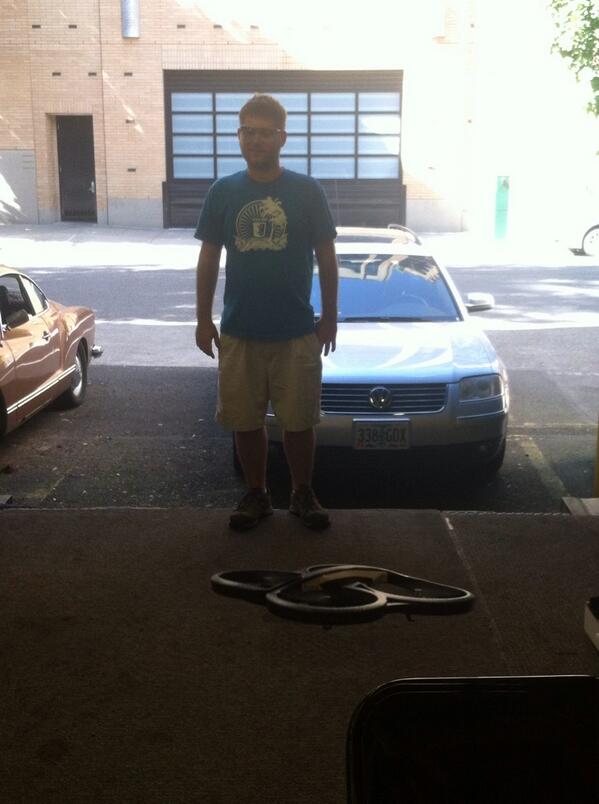
Photo by Alice Goldfuss
Leap + Bots
I got started a day early with Troy and Nick while hacking at the New Relic offices.
The first thing we did was read the input data from LeapMotion's WebSocket connection and use it to drive a ShieldBot around using johnny-five, shieldbot.js, and leapjs.
var five = require('johnny-five');
var Shieldbot = require('shieldbot');
var leap = require('leapjs');
var board = new five.Board();

board.on('ready', function(){

  var shieldbot = new Shieldbot();
  var prevZ;

  leap.loop(function(frame){
    if(frame.hands.length){
      var z = frame.hands[0].palmPosition[2];
      var velZ = frame.hands[0].palmVelocity[2];

      if(prevZ == null){
        prevZ = z;
      }

      var direction;
      if(z < prevZ && Math.abs(velZ) > 50){
        direction = 'forward';
        shieldbot.forward(127, 30);
      } else if(z > prevZ && Math.abs(velZ) > 50){
        direction = 'backward';
        shieldbot.reverse(127, 30);
      } else {
        direction = 'still';
        shieldbot.stop();
      }

      prevZ = z;
    } else {
      shieldbot.stop();
    }
  });

});
We used the Leap's z-axis velocity tracking of a user's palm to drive the bot forward and backwards.
During Nodebots Day, I was able to add left & right steering using palm x-axis rotation.
// outside leap.loop
var prevX;

// inside leap.loop
var velX = frame.hands[0].palmVelocity[0];
var x = frame.hands[0].palmNormal[0];

if(direction === 'still'){
  if(x > prevX && Math.abs(velX) > 50){
    shieldbot.turnRight(127, 30);
  } else if(x < prevX  && Math.abs(velX) > 50){
    shieldbot.turnLeft(127, 30);
  } else {
    shieldbot.stop();
  }
}

prevX = x;
Other plans included using the finders to stop the bot running into things or off tables, but I was unable to implement these because I quickly moved on to my next input device, Google Glass.
Glass + Bots
For his JSConf talk, Luis created a sideloadable app, Face, for Glass that broadcast the sensor data over WebSockets. With this, I was able to get pitch and roll, which were both easily translated to the logic of the LeapMotion/ShieldBot combo.
var five = require('johnny-five');
var Shieldbot = require('shieldbot');

var io = require('socket.io-client');
var socket = io.connect('http://localhost:11097');
socket.on('connect', function(){
  socket.emit('joinChannel', CHAN_ID_FROM_FACE);
});

var board = new five.Board();

board.on('ready', function(){

  var shieldbot = new Shieldbot();
  var prevZ;
  var prevX;

  socket.on('broadcast', function(message){
    if(message.sensors){
      var z = message.sensors.pitch;
      var x = message.sensors.roll;

      if(prevZ == null){
        prevZ = z;
      }

      var direction;
      if(z > prevZ && Math.abs(z - prevZ) > 1){
        direction = 'forward';
        shieldbot.forward(127, 30);
      } else if(z < prevZ && Math.abs(z - prevZ) > 1){
        direction = 'backward';
        shieldbot.reverse(127, 30);
      } else {
        direction = 'still';
        shieldbot.stop();
      }

      if(direction === 'still'){
        if(x > prevX && Math.abs(x - prevX) > 1){
          shieldbot.turnRight(127, 30);
        } else if(x < prevX  && Math.abs(x - prevX) > 1){
          shieldbot.turnLeft(127, 30);
        } else {
          shieldbot.stop();
        }
      }

      prevZ = z;
      prevX = x;
    } else {
      shieldbot.stop();
    }
  });

});
After replacing some variables and reworking my velocity check, I was able to drive the bot forward and backward, matching the direction I tilted my head. Rolling my head left and right also turned the bot.
This demo wasn't ideal because I couldn't see where the bot was while controlling it. I needed something that could be about eye height, so I could see its movement while controlling it. Luckily, Carter had brought a NodeCopter!!!
Glass + NodeCopter
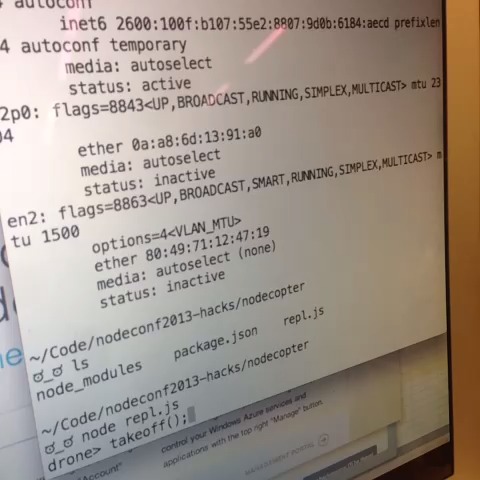
If it was so easy to switch the LeapMotion logic to use the Glass data, I figured it would be just as easy to swap the ShieldBot logic for the NodeCopter's. After discussing the idea with a few people, it was suggested I use the Voxel Drone to test my logic before applying it to a physical drone. After a very frustrating experience trying to get Voxel Drone, which seems to have been abandoned, to actually work, I was able to wire up my Glass/NodeCopter logic and added code for the drone to take off with the A button and land with the B button displayed in Glass.
var io = require('socket.io-client');
var socket = io.connect('http://localhost:11097');
socket.on('connect', function(){
  socket.emit('joinChannel', CHAN_ID_FROM_FACE);
});

var prevZ;
var prevX;

socket.on('broadcast', function(message){

  if(message.event){
    if(message.event === 'A'){
      drone.takeoff();
    }
    if(message.event === 'B'){
      drone.land();
    }
    return;
  }
  if(message.sensors){
    var z = message.sensors.pitch;
    var x = message.sensors.roll;

    if(prevZ == null){
      prevZ = z;
    }

    var direction;
    if(z > prevZ && Math.abs(z - prevZ) > 1){
      direction = 'forward';
      drone.front(1);
    } else if(z < prevZ && Math.abs(z - prevZ) > 1){
      direction = 'backward';
      drone.back(1);
    } else {
      direction = 'still';
      drone.stop();
    }

    if(direction === 'still'){
      if(x > prevX && Math.abs(x - prevX) > 1){
        drone.right(1);
      } else if(x < prevX  && Math.abs(x - prevX) > 1){
        drone.left(1);
      } else {
        drone.stop();
      }
    }

    prevZ = z;
    prevX = x;
  } else {
    drone.stop();
  }

});
I loaded up Voxel Drone and was able to fly a WebGL drone in my browser.
All I needed to do was swap the voxel-drone specific code for:
var arDrone = require('ar-drone');
var drone  = arDrone.createClient({
  ip: '192.168.1.10'
});
Demos
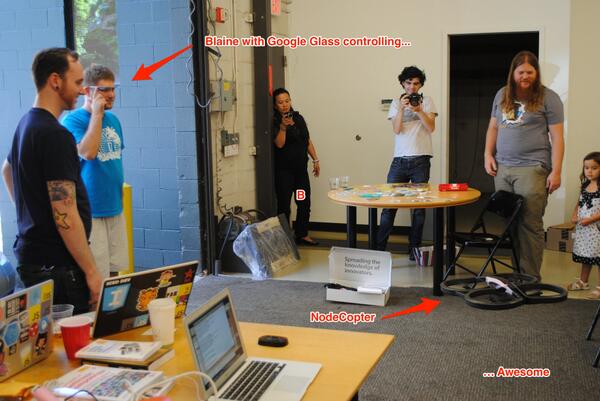
Photo by Chris Hansen
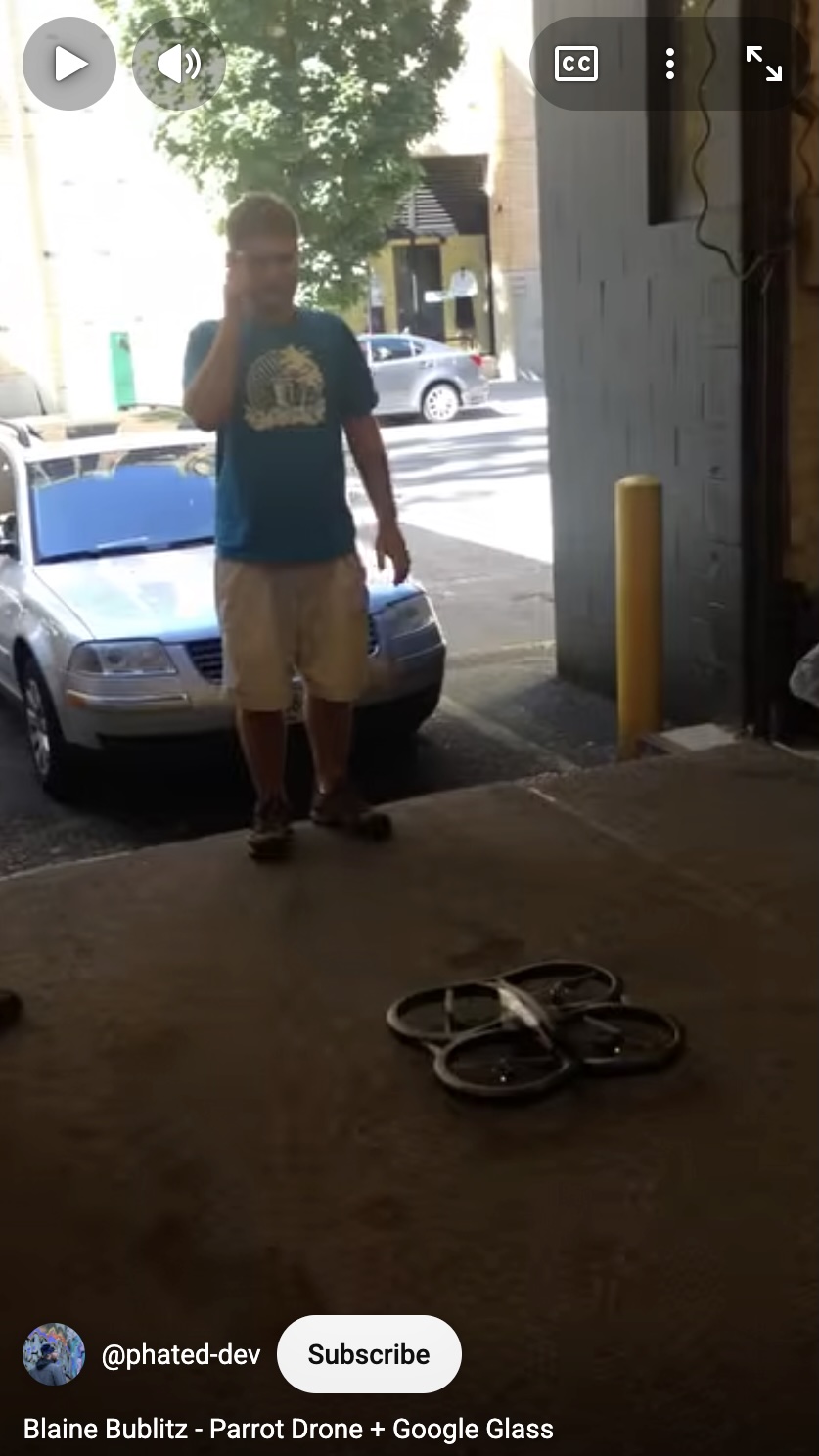
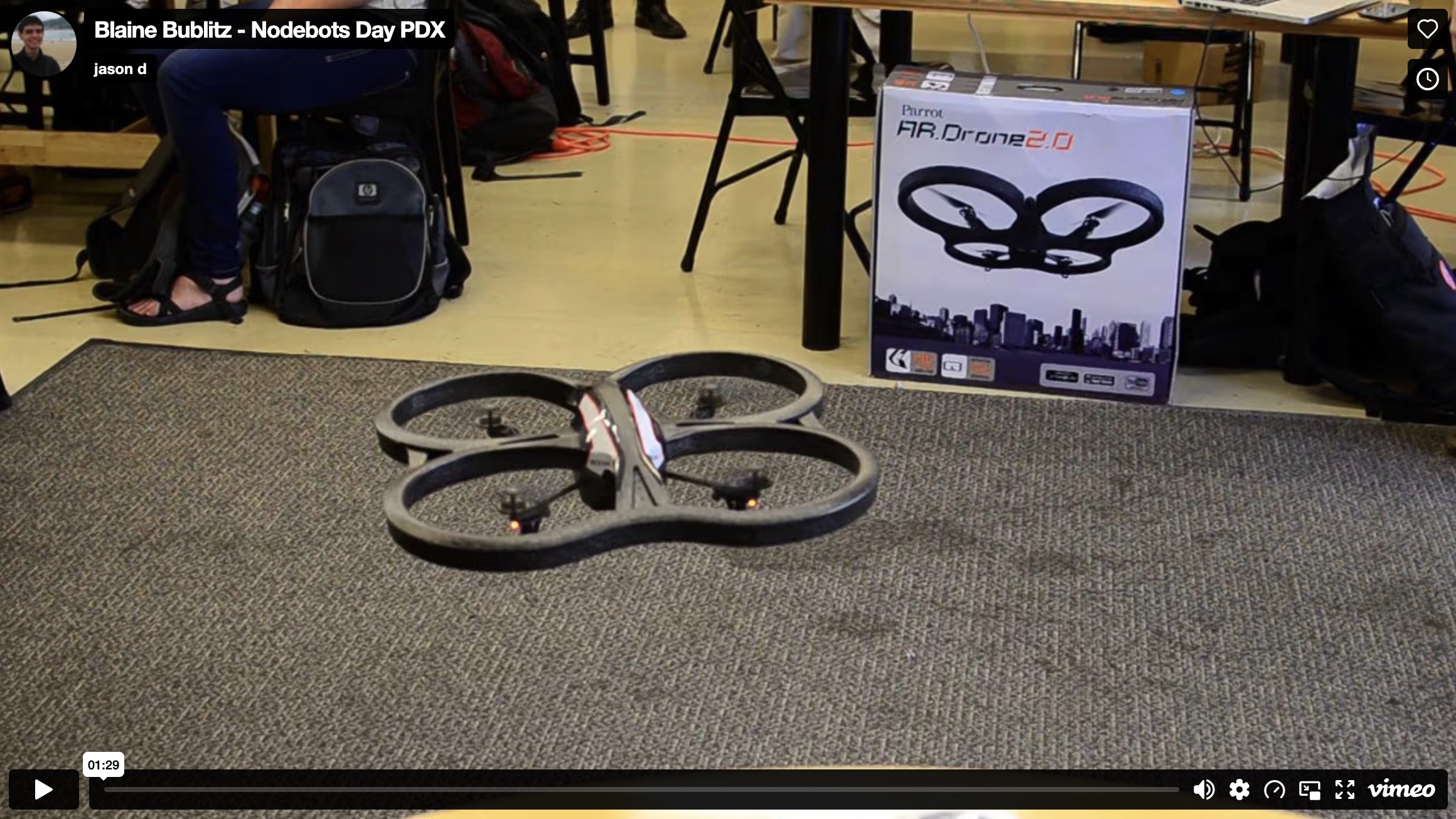
Turns out that I was driving the drone at full speed in each direction I tilted my head. I should have had the speed at about 0.3 instead of 1. Lesson learned. I would have also liked to add the ability to rotate the drone left and right based on the Glass' azimuth value, but I guess that will have to be in the future.
Wrapping Up
With JavaScript, we are able to write a relatively small amount of code that can serve as a basis for swappable hardware components.
I was able to start with a LeapMotion and Shieldbot and end up using Google Glass and a NodeCopter with quite similar code.
After such an amazing Nodebots Day, I have all sorts of ideas swimming around in my head for taking these types of interactions further!
-Blaine